
USER MANUAL
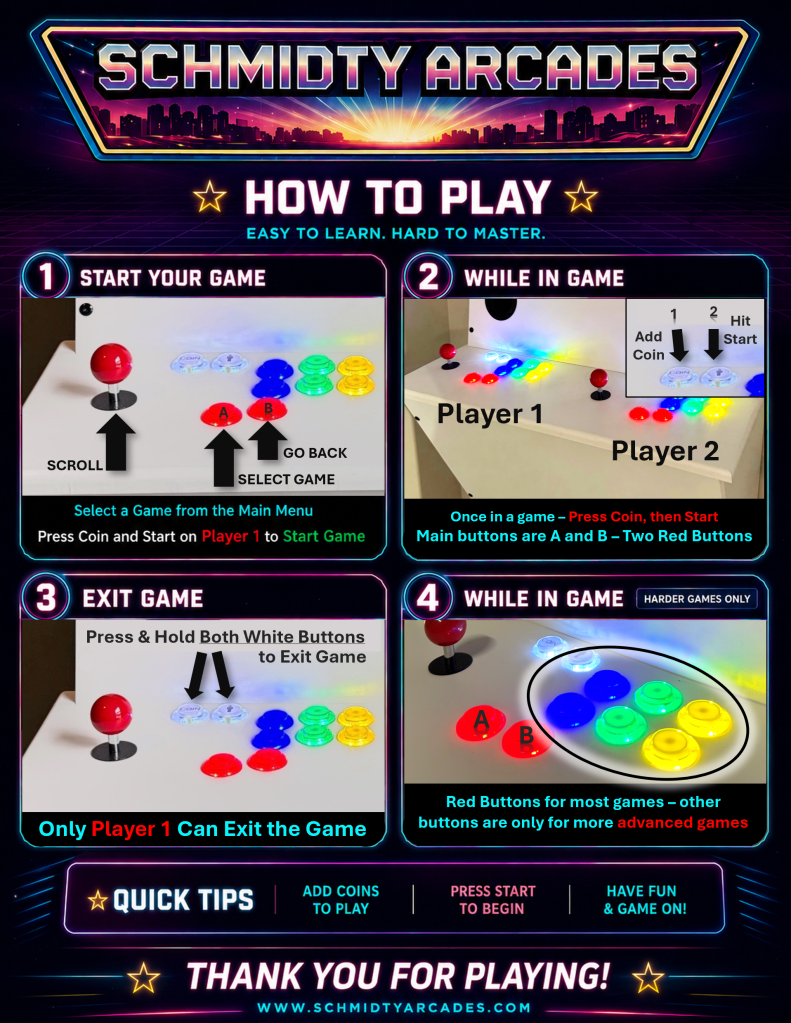
Save, print, and hang near the arcade for public settings
INTALL GUIDE
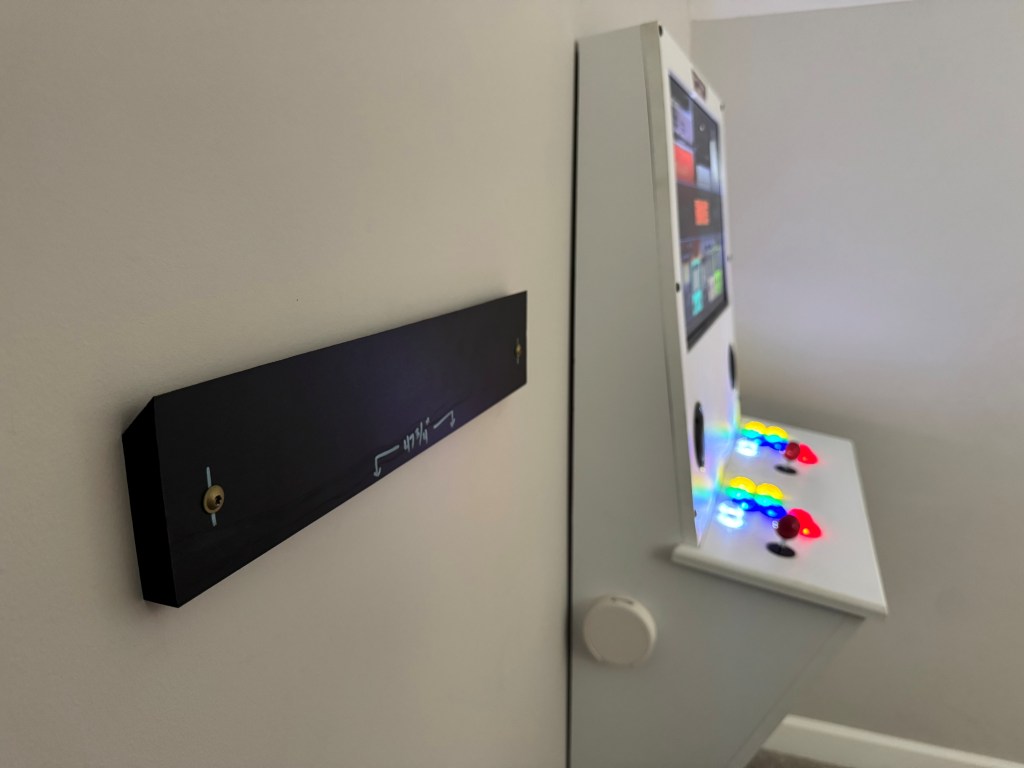
Located the 18″ wide wall mount (French Cleat style) and install between two wall studs with the provided hardware. The bottom of the mount should be level and hung around 48″. The most idea position has a power outlet attached to one of the studs to hide the power cord, which will plug in behind the arcade. Otherwise, an extension cord can be used for longer runs and tucked away or ran inside a channel to hide if desired.
MORE INFO
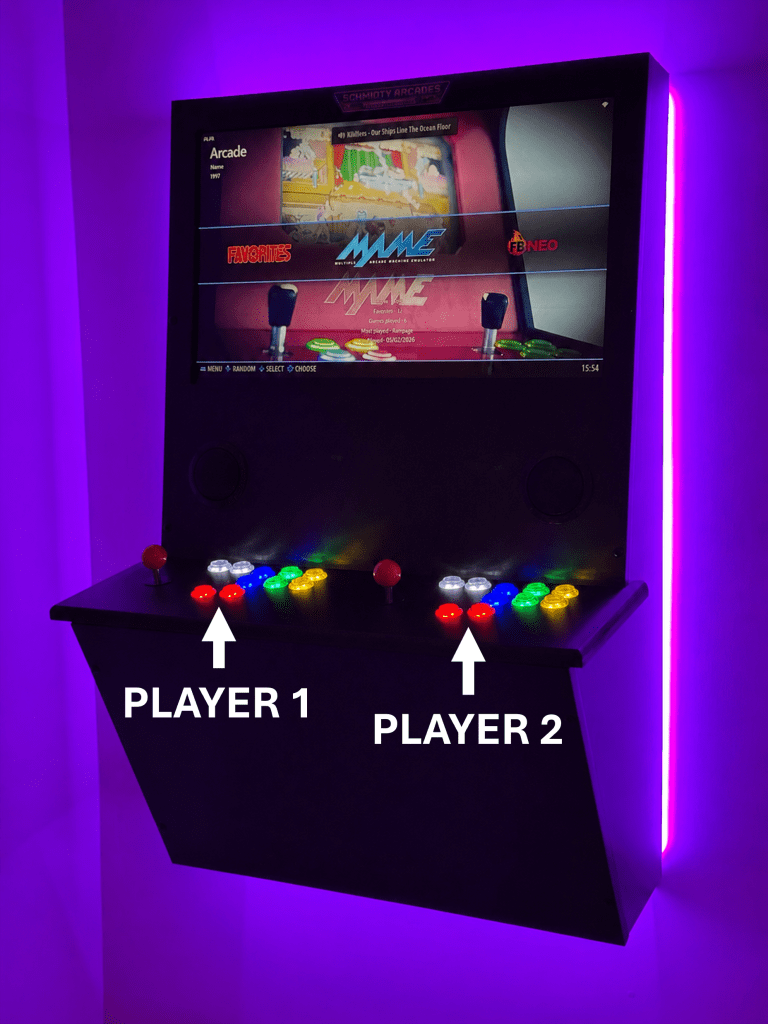
Player 1 is on the left. It’s always a good idea to use Player 1 controls if just one person is playing.
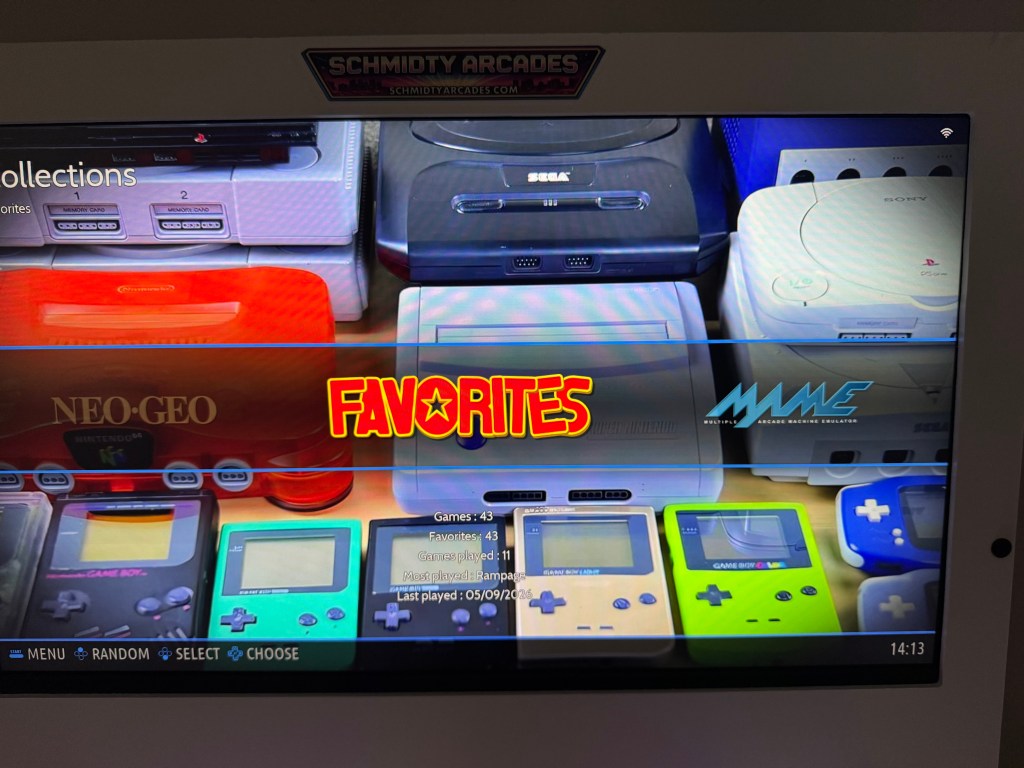
The home screen defaults to the favorites in the systems selection. The favorites are a customizable collection for your machine. By moving the joystick left and right, you can view games that are in each system, such as MAME, NEO-GEO, NES, and so on.
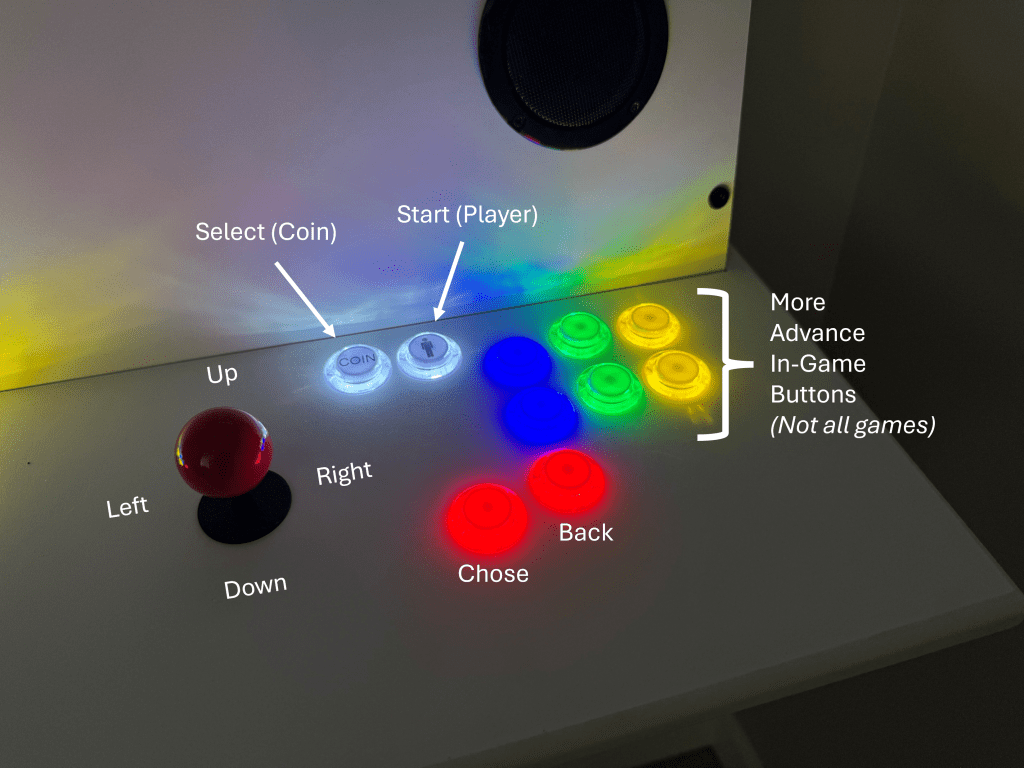
Use the joystick and the red “Chose” / “A” button to select a system.
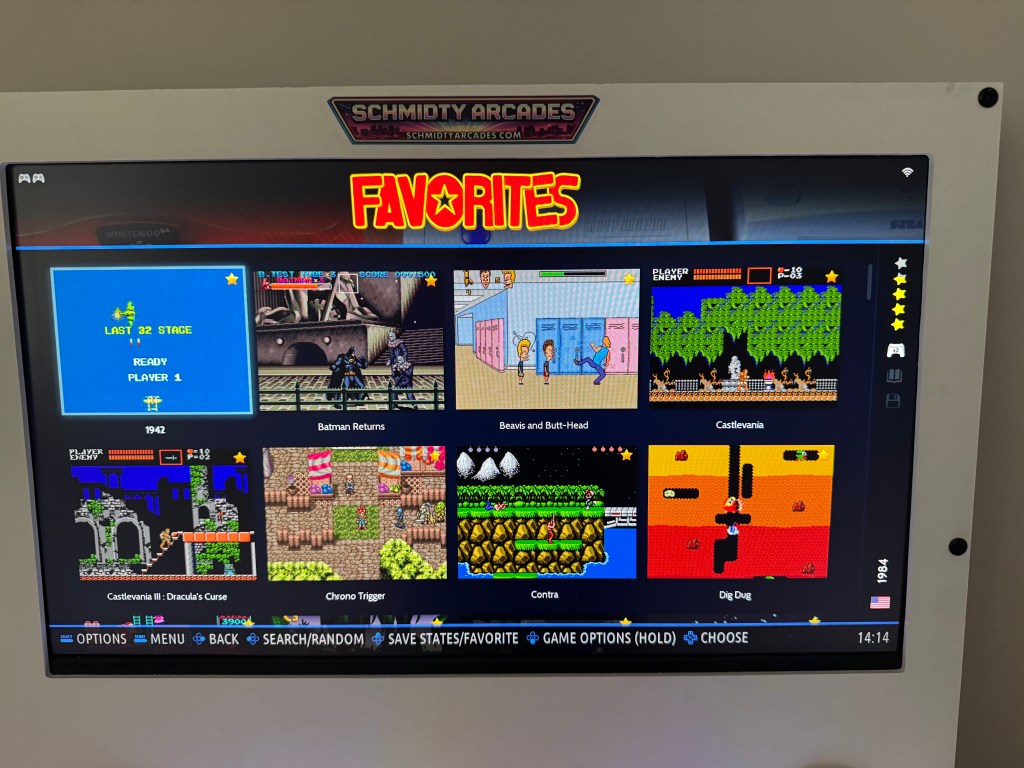
Once you chose a game system or your favorites collection, the games will be shown and you can use the joystick to scroll through them. Regardless of game system, your favorites will show them all in one place. Always listed alphabetically.
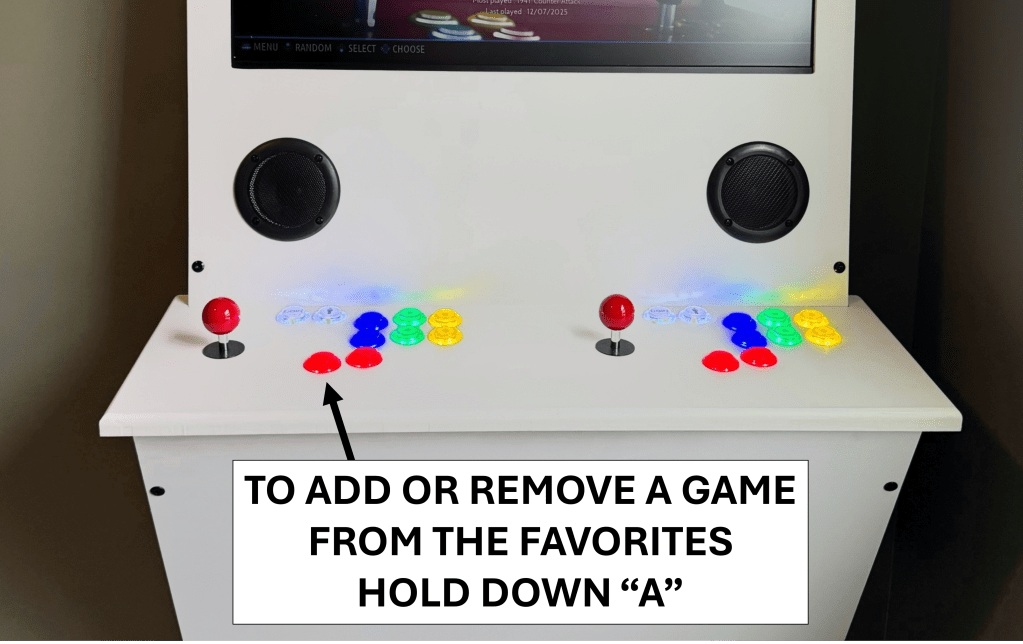
By holding this button down (“Chose” / “A”) on a game, it will open more options about that specific game.
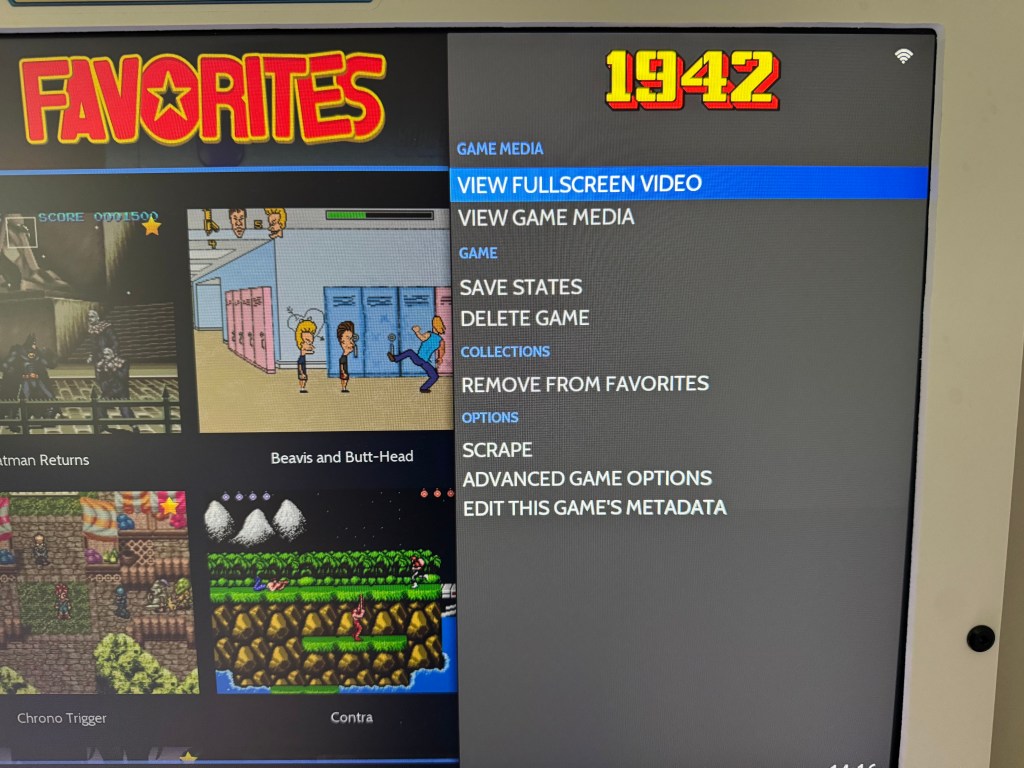
Most notably, how to add or remove a game from favorites. Games can also be deleted from here if it is not protected by admin. This is convenient if a game fails to launch or you do not like it for whatever reason.
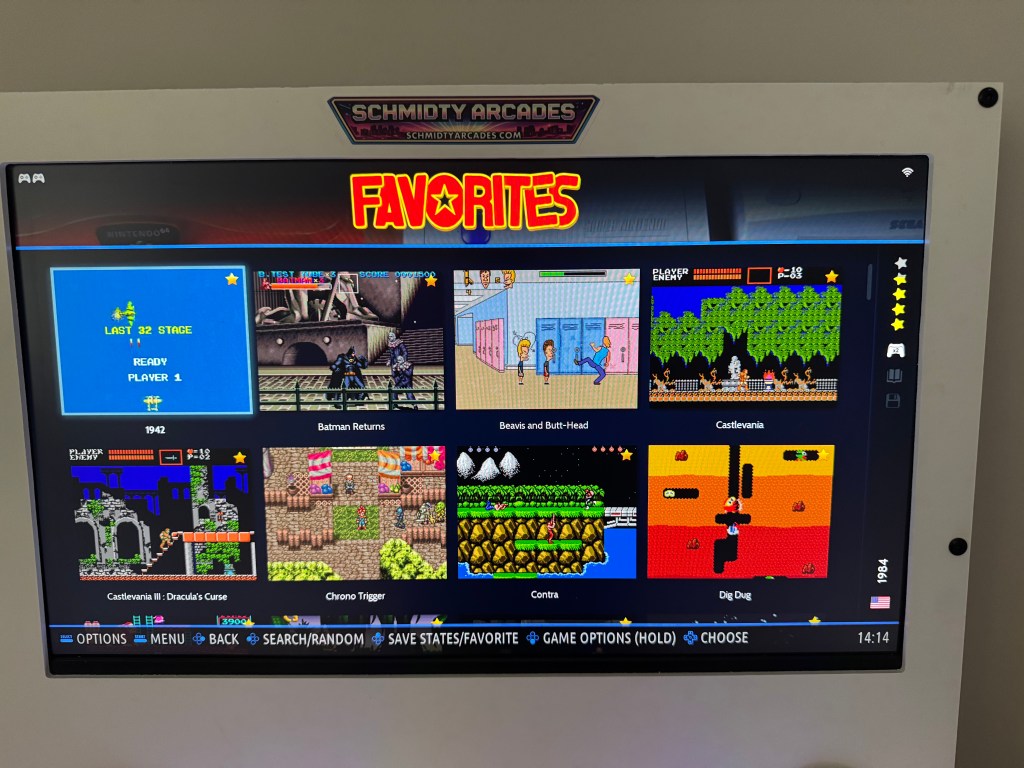
To select a game and start playing, just hit the red “Chose” / “A” button.
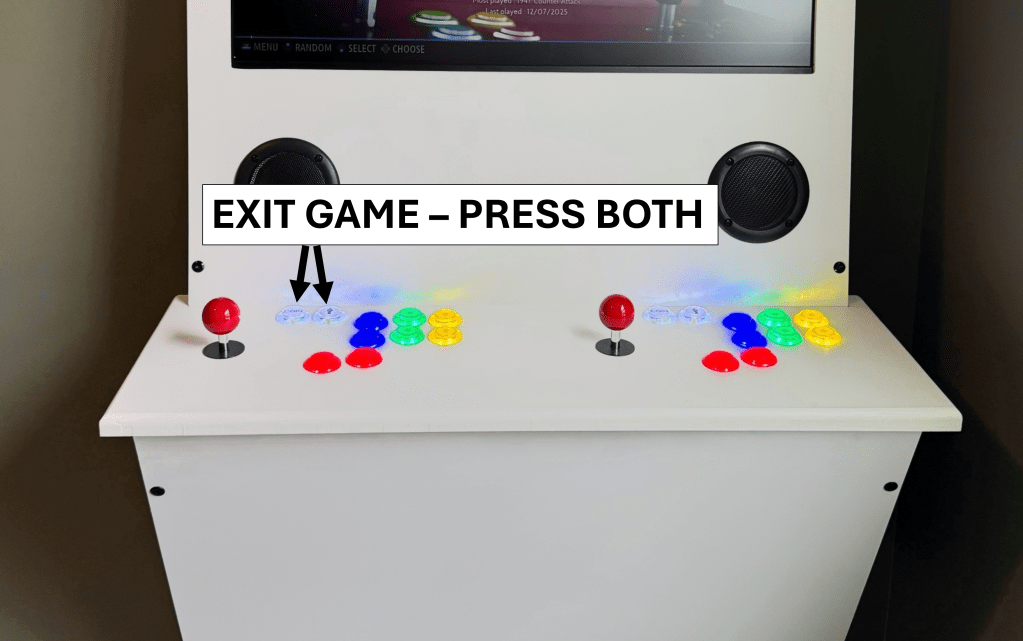
To exit a game, hold the “Select” / “Coin” button and the “Start” / “Player” button at the same time – ON PLAYER 1 (LEFT PLAYER). This combination will back you out to the last page you were on.
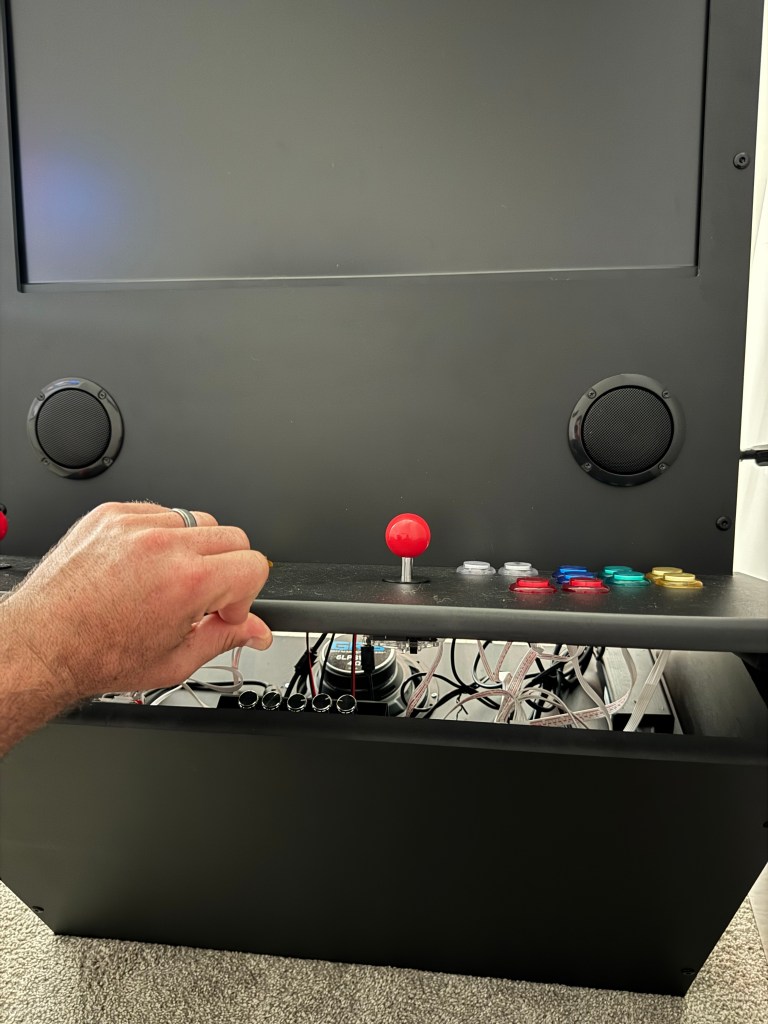
The control panel can be raised up to access the audio controls and the backlighting controller.
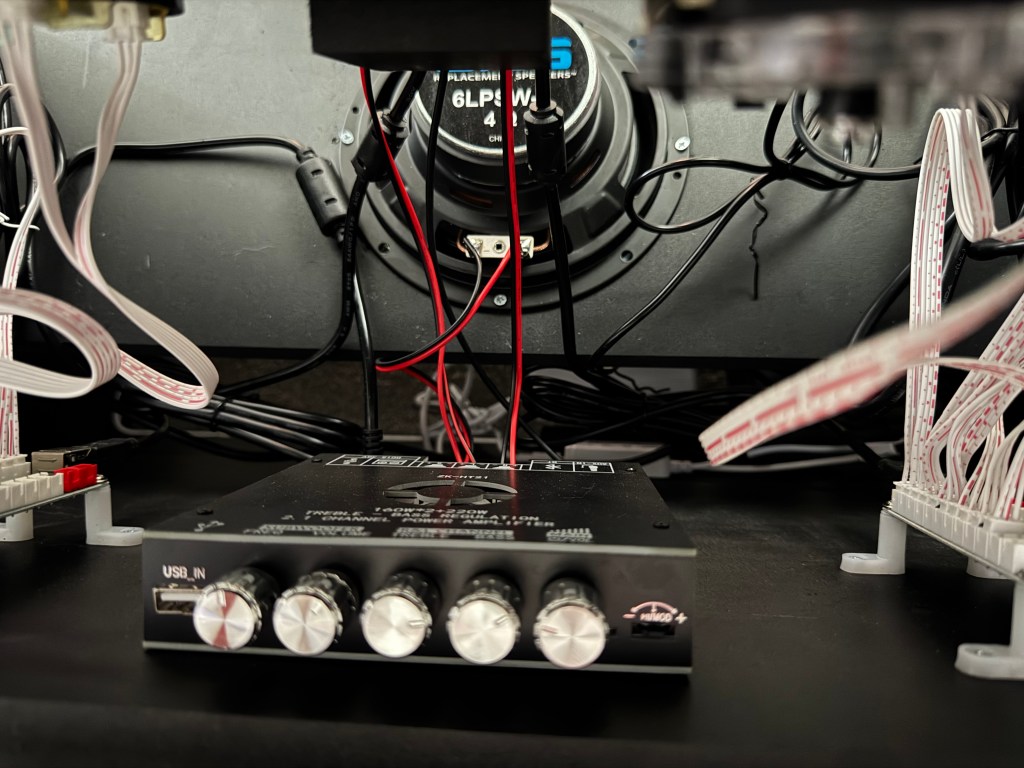
Depending on your arcade model, there may be 2.0 audio, or 2.1 audio (with a sub-woofer) with controls to adjust volume, treble and bass.
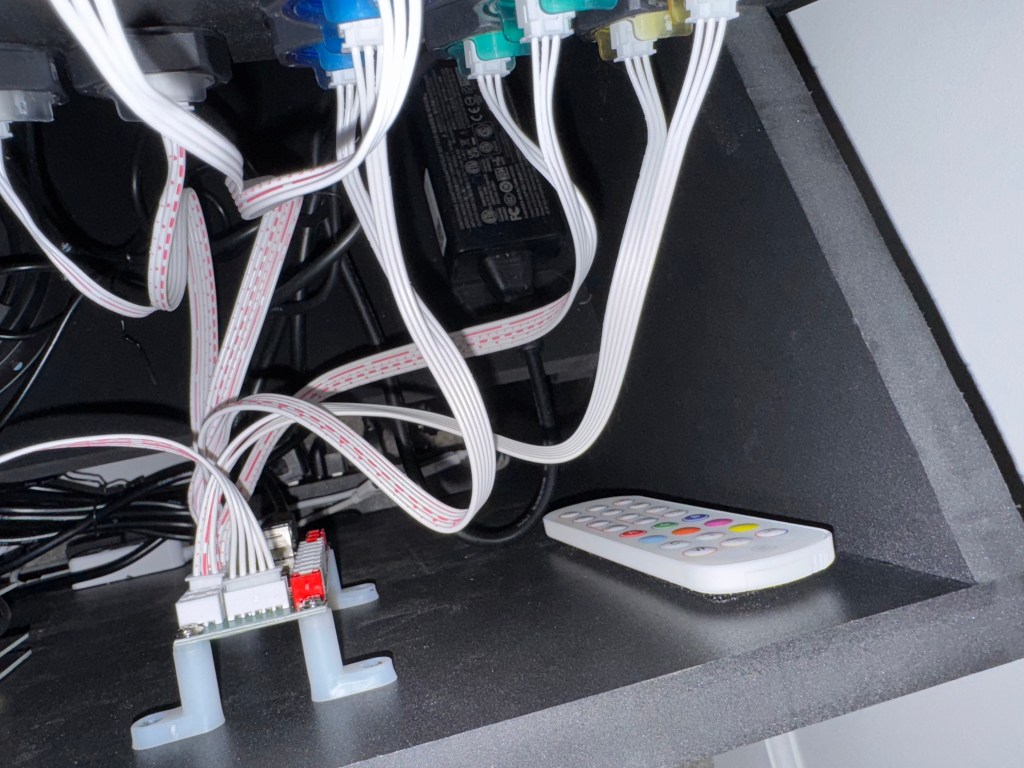
Your model may also come with backlighting. The controller will be located on the righthand side under the control panel. Pull it off the Velcro that is holding it in place and change the lighting to your preference. NOTE: the sensor for the remove is inside the arcade. Usually right below where the controller is mounted. Simply point the remote down into the bottom righthand side of the arcade towards the floor and make your selection.

